Softube Flow Studio: 3rd-Party Plugin Support Added!
A versatile compact controller with a range of included plugins and processing workflows.

 4,1 / 5,0 |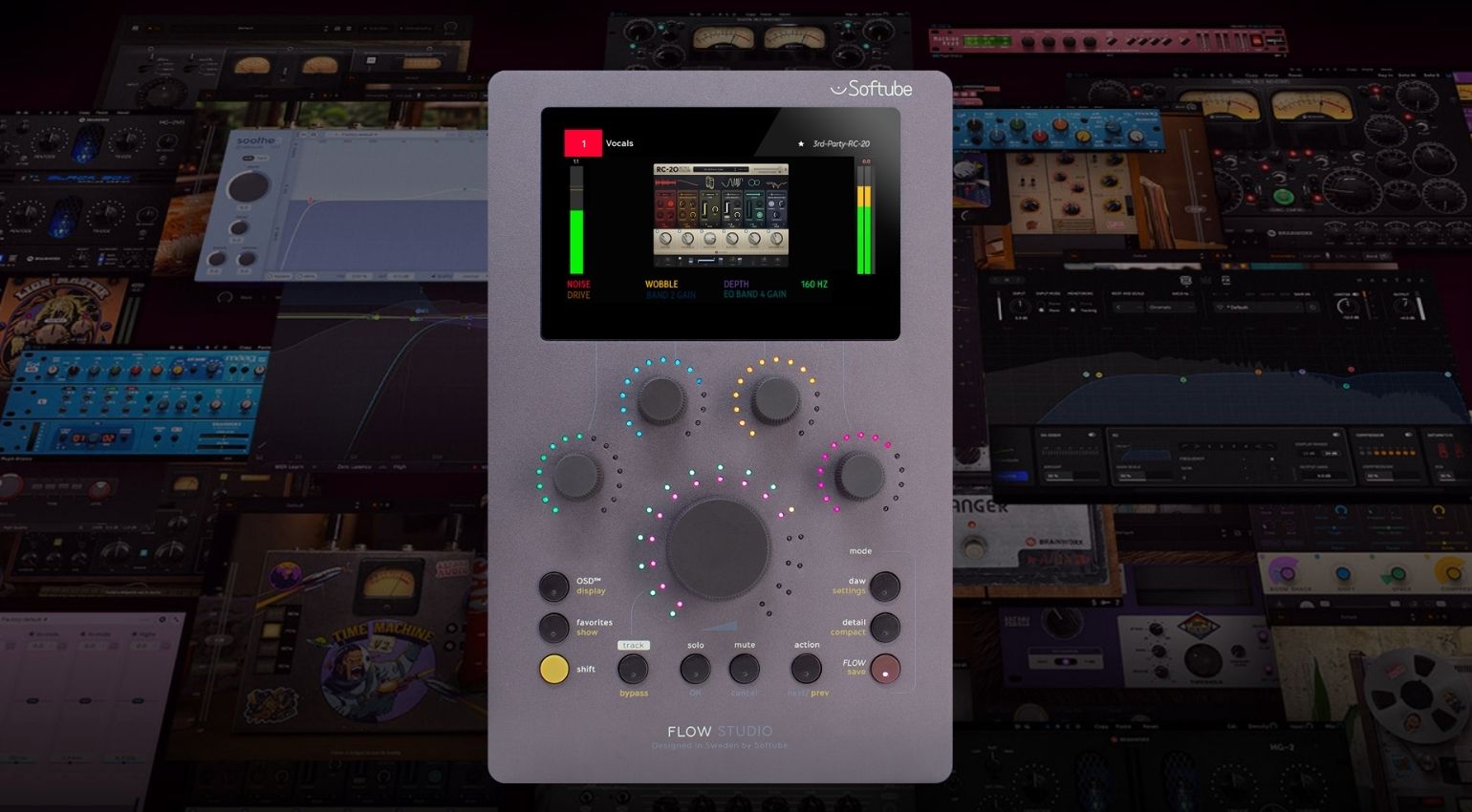

The latest update for the Softube Flow Studio controller adds compatibility with a range of popular 3rd-party plugins, giving you hands-on control.
All about the Flow Studio controller:
This free update expands the potential of the compact desktop controller, so you can get more joy out of it in your music production workflow. A selection of plugins from top developers has been tested, and according to Softube, this is only the first batch, and more will be added.
Softube Flow Studio Update
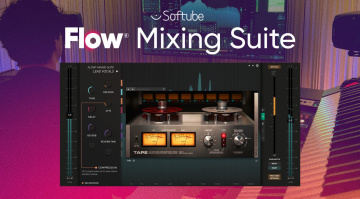
So far, there are supported plugins from FabFilter, Neural DSP, oeksound, Plugin Alliance, Safari Audio, Soundtoys, Universal Audio, Valhalla DSP, and XLN Audio. The plugins are ported via the Flow Mixing Suite, which scans your system for compatible ones. Then, once they’ve loaded, they become completely controllable via the Flow Studio just like Softube’s plugins.
This allows you to control single instances of any compatible plugin or create custom processing chains made up of Softube and supported 3rd-party plugins to control and recall in any DAW session. From a user’s perspective, this adds plenty of value because you are almost guaranteed to find plugins you own and regularly use on the list.
To access the update, simply open Softube Central and update the Flow Mixing Suite plugin. Once updated, open the plugin within your DAW and select the “SCAN THIRD-PARTY PLUG-INS” option from the “+” drop-down menu. Then, once Flow Mixing Suite has finished scanning, you’ll be able to search and add them to your Flows to control via Flow Studio.
Note that the Flow Mixing Suite plugin will only recognize compatible VST3 plugins, so ensure that you have this version of the plugins you intend to use installed before you start the scanning process. For a detailed list of all the currently supported VST plugins, check out the link below.



Softube Flow Studio: Analogue-style Plugin Control (15 Apr, 2026)
Take control of your favourite plugins with Softube Flow Studio, a versatile platform that lets you switch workflows seamlessly for different applications.
Easily one of the most respected plugin developers around, Softube is always coming up with new and exciting ways to approach sound creation and signal processing in your DAW.
Softube Flow Studio
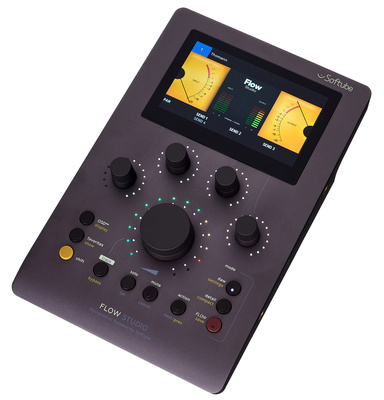
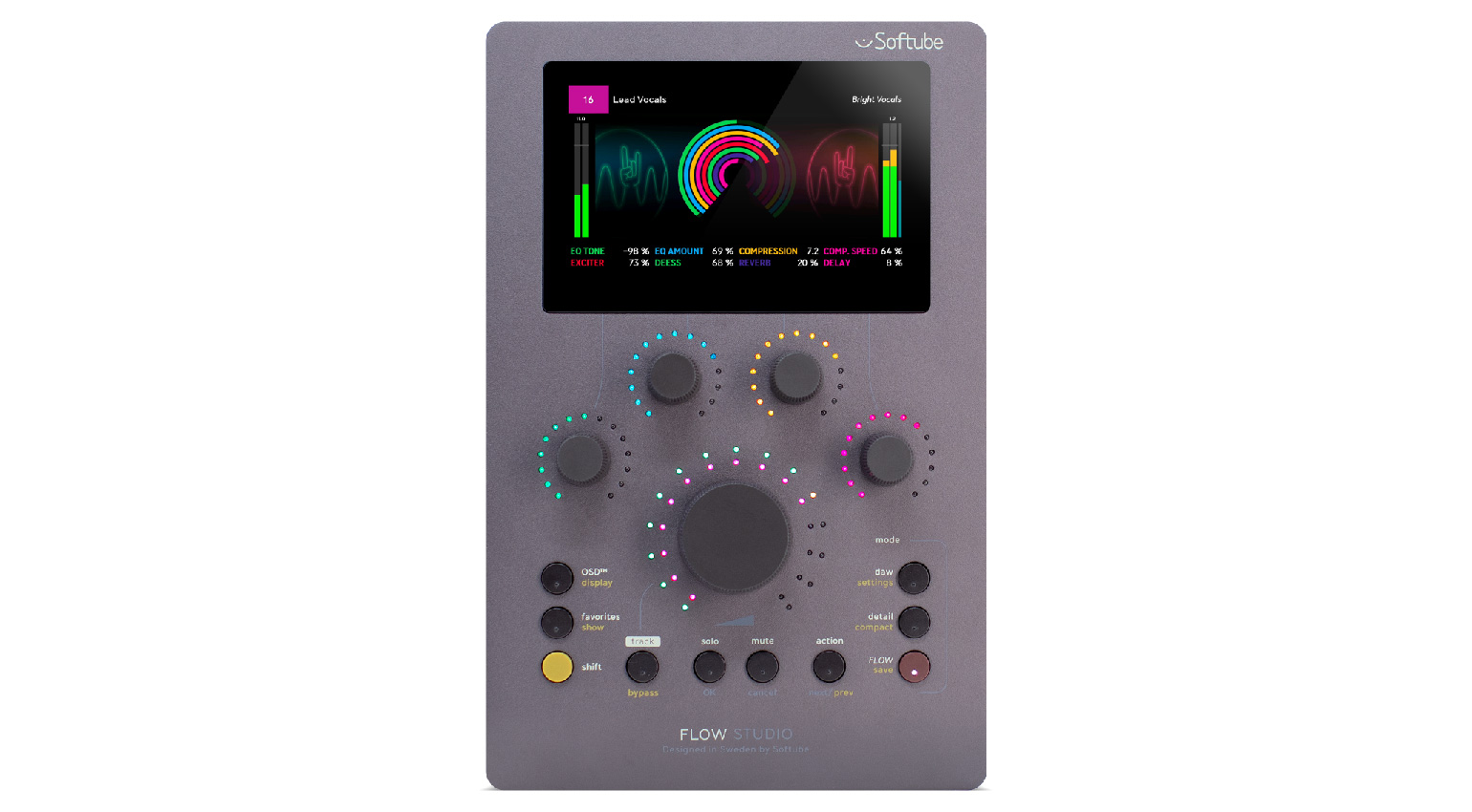
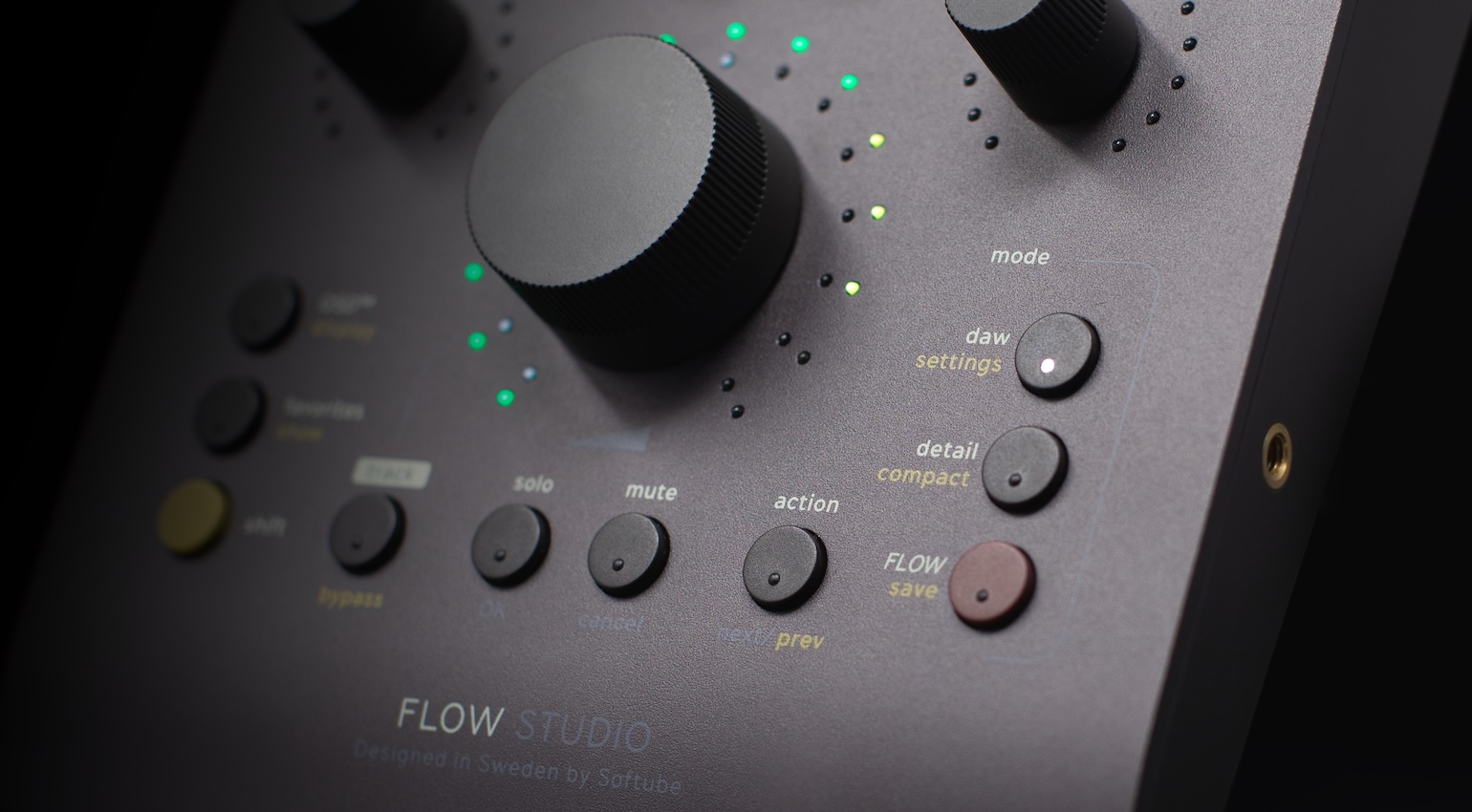
Flow Studio has three main operating modes, including a DAW Mode, which covers basic channel functions like solo/mute, volume, pan, and sends. Next, there is Flow Mode, which allows you to take control of over 100 included preset signal chains or Flows with macro controls for shaping drums, guitars, synths, and vocals.
The third setting is called Detail Mode, which lets you dive deeper into your processing chain and tweak individual parameters with the five touch-sensitive controls that Softube calls “Analog Feel” knobs. The workflow is focused around the 4.3-inch high-resolution display, which provides visualizations with metering and control readings appropriate to the selected mode.
In addition, Flow Studio also comes with 25 of Softube’s renowned effects plugins, with the option to expand with up to 145 Flows and over 65 plugins through an optional Flow subscription. Remember, of course, that Softube’s Flows and the plugins within them are available on a subscribe-to-own basis, as you can purchase the perpetual licenses with the credits you receive each month.
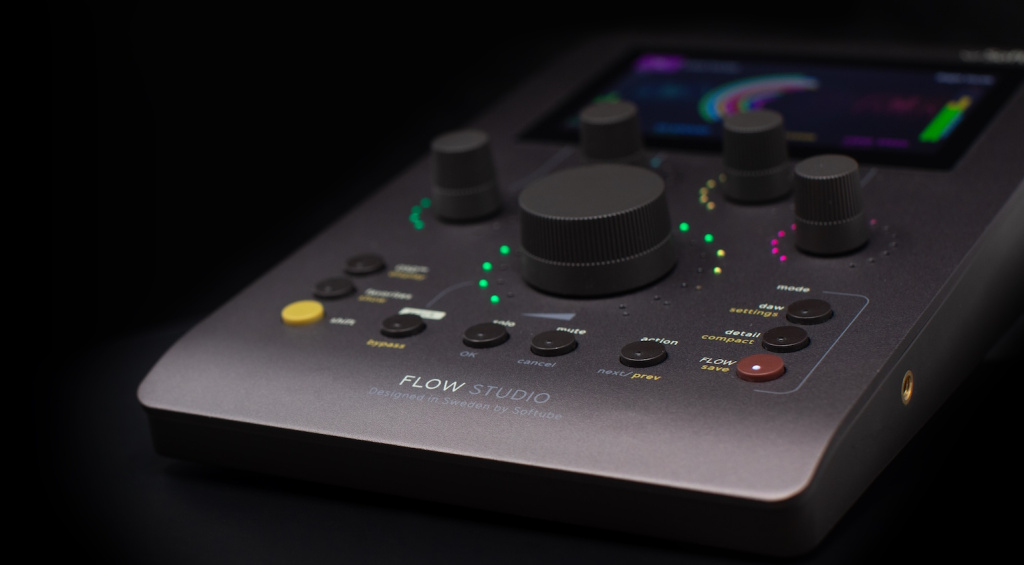
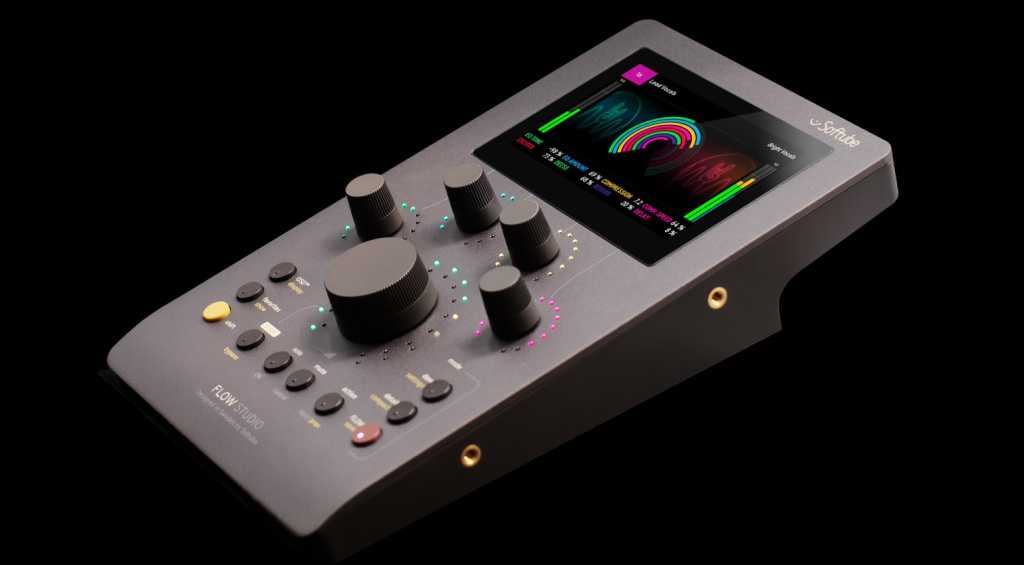
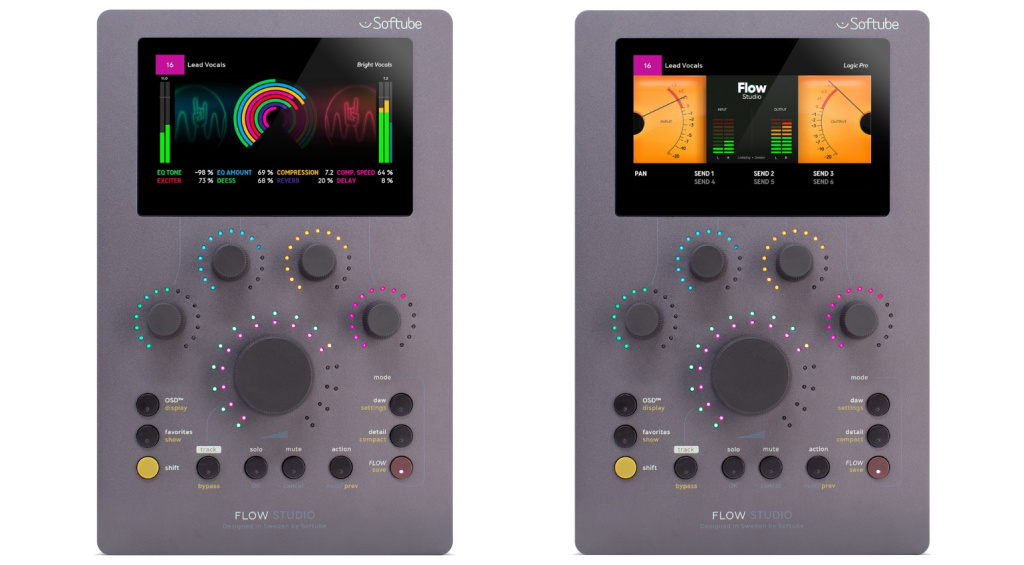
The bundled Flow Studio Suite includes compressors, EQs, amp sims, reverbs, and delays, a perfect mixing tool set. Meanwhile, the Flow Studio controller is also equipped with onboard low-latency DSP, which provides additional flexibility while monitoring through the plugin. Overall, Flow Studio is a great addition to your DAW, whether you have a ton of Softube plugins or none at all.
Pricing and Availability:
Softube Flow Studio is currently available.
More about Softube Flow Studio:
*Note: This article contains affiliate links and product widgets that help us fund our site. Don’t worry: the price for you always stays the same! If you buy something through these links, we will receive a small commission. Thank you for your support!


This might also interest you